Table of Contents
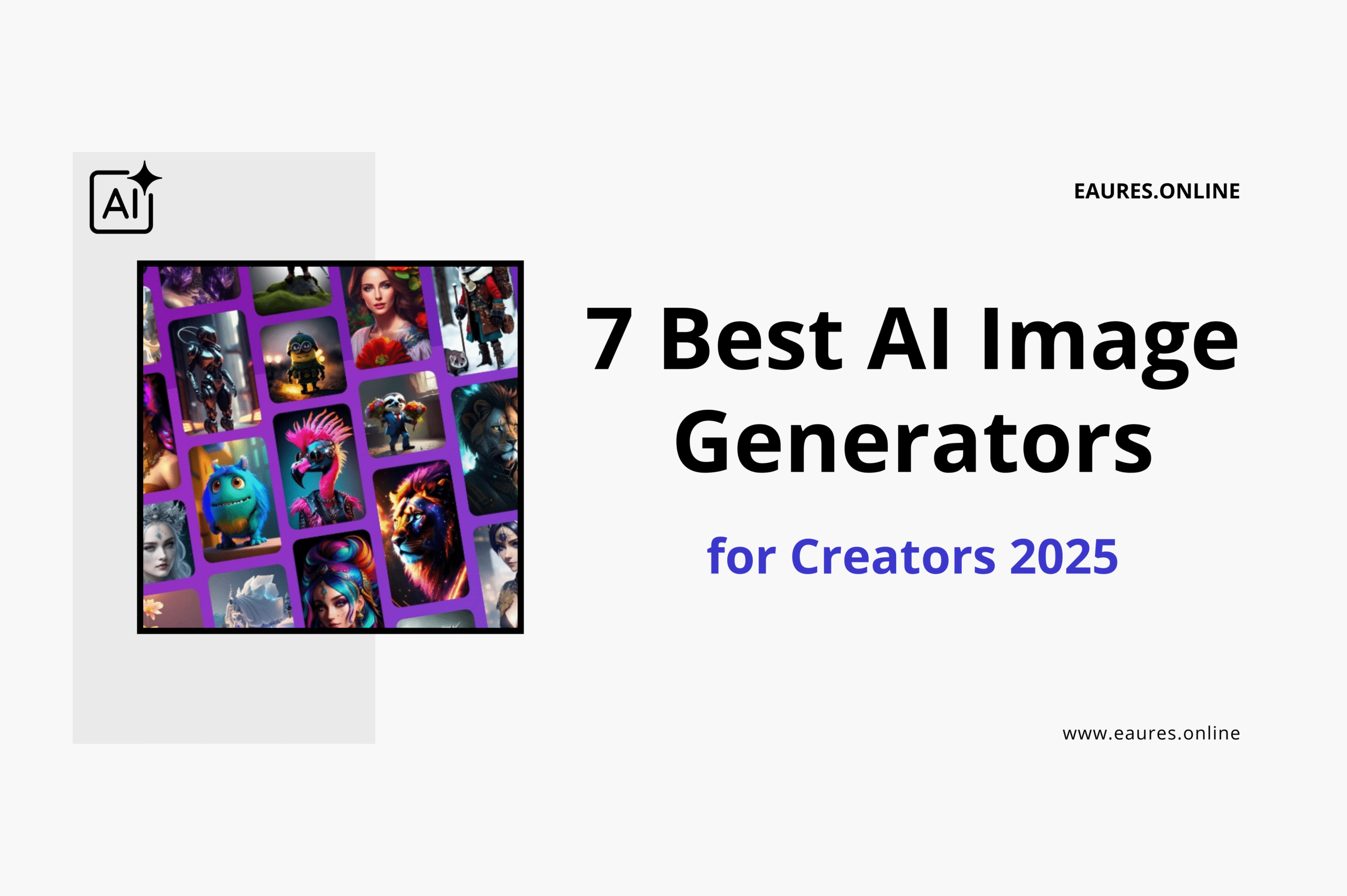
7 Best AI Image Generators for Creators 2025
Why AI image generators matter for creators in 2025
Visuals are the currency of attention. Whether you’re building a newsletter brand, launching products on Etsy, or storyboarding a YouTube short, the Best AI Image Generators for Creators let you move from idea to on-brand visuals in minutes instead of days. This guide distills the seven tools that consistently deliver: photoreal portraits, cinematic scenes, branded illustrations, product renders, and social-ready graphics—plus pro workflows, prompt tips, and real constraints to watch.
If you’re just starting your AI stack, it’s worth pairing a generator with a smart productivity toolkit; for example, you can streamline your content pipeline by combining a design model with the workflows in our guide to Best AI Tools for Productivity in 2025.
How we selected the 7 best (and what creators should prioritize)
We evaluated each tool across five creator-centric factors:
- Style range & control. Can it move between photoreal, illustrative, 3D, watercolor, and anime styles without “style lock”?
- Prompting depth. Does it follow complex prompts and negative prompts, honor composition, and accept image uploads for guidance?
- Branding tools. Support for palettes, fonts, logos, style presets, and consistent character/mascot generation.
- Production workflows. Batch creation, upscaling, in/outpainting, background replacement, and integrations to your favorite editors.
- Licensing & safety. Clear commercial usage, content filters, and attribution rules.
To help you dig deeper, we found practical comparative reviews like Zapier’s AI image generator roundup and a hands-on test from UX Magazine in “I tested 7 free AI image generators—this one’s my pick” especially useful when cross-checking consistency and usability. We also referenced creator-first breakdowns such as this Medium analysis of 25+ image tools.
Quick comparison at a glance
| Tool | Best for | Standout strengths | Watch-outs |
|---|---|---|---|
| Midjourney | Concept art & stylized portraits | Rich styles, cinematic lighting, consistent “wow” factor | Discord-based UI; photoreal hands still need checks |
| DALL·E (OpenAI) | Clean compositions & layout-aware images | Strong instruction following, caption/text handling improves, nice editing | Style diversity narrower than SDXL or Midjourney for niche looks |
| Stable Diffusion XL (SDXL) | Local control & niche styles | Fully customizable, ControlNet, LoRAs, private workflows | Setup/learning curve; model management |
| Adobe Firefly | Brand-safe commercial work & Photoshop-native edits | Generative Fill, vector/texture presets, licensing clarity | Very safe by design—sometimes less edgy results |
| Canva Image Generator | Social posts & marketing kits | Templates, brand kit, one-click resize, teams | Less granular control than pro-grade models |
| Leonardo AI | Game assets & product renders | Model finetunes, texture packs, prompt matrices | Interface depth can overwhelm first-timers |
| Ideogram | Text-in-image posters & merch | Reliable typography inside images, poster-ready | Photoreal quality trails Midjourney/SDXL in some cases |
1) Midjourney — still the spark for cinematic mood
Why creators love it
Midjourney remains the go-to for dramatic lighting, crisp compositions, and painterly flair. If your brand leans toward stylized portraits, editorial fashion, moody environments, or “art-directed” thumbnails, it’s hard to beat.
Best for: Concept art, cinematic portraits, edgy thumbnails, editorial visuals.
Signature strengths:
- Highly aesthetic defaults with minimal prompt engineering.
- Flexible style tokens (e.g., film stock, lenses) to nail a consistent vibe.
- Robust upscaling and variations to quickly iterate.
Limitations & tips:
- Operates via Discord; some teams prefer a web app.
- Hands and micro-details have improved, but always review before publishing.
- Use structured prompts: subject → setting → camera/lens → lighting → post-processing. Add negative prompts (“–no text, watermark, signature”).
Workflow idea: Generate a scene in Midjourney, then finalize layout or add on-brand text using Canva’s AI Image Generator for perfect sizing across channels.
2) DALL·E (OpenAI) — layout-aware images and clean edits
Why creators pick it
OpenAI’s DALL·E is strong at following instructions and keeping compositions clean—great for hero graphics, posters, and product mockups. It tends to do better when you specify layout constraints or ask for text-like elements in-frame.
Best for: Clean compositions, posters, storyboards, gentle brand visuals.
Signature strengths:
- Polished, balanced framings with solid instruction following.
- Strong image editing (“inpainting”) with natural edge blending.
- Useful when you need shapes, icons, or framed elements placed “just so.”
Limitations & tips:
- Fewer experimental styles than SDXL or Midjourney; compensate by naming specific artists/eras/styles (when licensing policies allow), or by describing color theory and materials.
- For typography on posters, Ideogram is better; use DALL·E for the background, then composite with text in Canva or export to Adobe.
Creator reference: For hands-on comparisons of composition and prompt adherence, Zapier’s overview remains a helpful sanity check.
3) Stable Diffusion XL (SDXL) — complete control for power users
Why it stands out
SDXL is the playground for creators who want ultimate control, privacy, and niche styles. Between LoRA add-ons, ControlNet (pose, depth, edges, openpose), and custom checkpoints, you can build a house style that no one else has. If you manage client IP and need repeatable brand characters, SDXL gives you the knobs.
Best for: Proprietary styles, character consistency, private pipelines, niche aesthetics.
Signature strengths:
- Offline or private-cloud options for sensitive work.
- Deep control via ControlNet, regional prompting, and outpainting.
- Fine-tune or train light-weight LoRAs for mascots/characters that stay consistent issue to issue.
Limitations & tips:
- Setup: expect to manage GPUs, models, and versions.
- Quality hinges on your model zoo; maintain a curated set of checkpoints.
- Use a reference image plus ControlNet to lock pose, then iterate backgrounds.
Pro learning path: Reviews like UXMag’s side-by-side test and creator roundups such as this Medium deep dive offer practical tips to accelerate your SDXL setup.
4) Adobe Firefly — brand-safe, production-grade edits in the Adobe stack
Why agencies trust it
If your content runs through Photoshop/Illustrator, Adobe’s Generative Fill and vector/text effects are a revelation. Firefly is trained with a strong focus on licensed/safe data, which simplifies commercial usage for enterprise clients.
Best for: Agencies, brand teams, enterprise workflows, print-ready assets.
Signature strengths:
- Generative Fill and Expand for natural scene edits and aspect-ratio changes.
- Vector object generation for clean, scalable icons and patterns.
- Clearer licensing posture for commercial work compared to many rivals.
Limitations & tips:
- The safety guardrails reduce risk but can also tame highly experimental art.
- For edgy or niche stylization, prototype in SDXL/Midjourney, then polish inside Photoshop.
- Keep a brand library (colors, type, logo) and apply it consistently to AI outputs.
Client communication tip: When presenting AI-rendered comps, include a reference to your internal policy on ethical usage, and cite sources like Zapier’s explainer to clarify typical capabilities and limitations for stakeholders.
5) Canva Image Generator — the social-first workhorse
Why creators ship faster with Canva
Creators who publish daily love Canva because it lets you move from idea to multi-format content in one place: generate an image, add your brand kit, schedule posts, and export ad variants—no heavy handoffs required. The Canva AI Image Generator page is a great starting point for templates and brand-friendly layouts.
Best for: Social teams, solopreneurs, newsletters, ads, and community managers.
Signature strengths:
- Thousands of templates + Brand Kit ensure quick, consistent publishing.
- One-click background removal and resize for multi-platform campaigns.
- Team collaboration features and content approvals help keep you on schedule.
Limitations & tips:
- Generation detail trails specialist tools for ultra-photoreal scenes.
- Use Canva as your “assembly layer”: generate base images elsewhere when needed, then finalize crops, text, and exports in Canva.
- Build a “style shelf” (color combos, textures, blur/glow overlays) to keep outputs on brand.
6) Leonardo AI — game art, product renders, and style training
Why it’s a sleeper hit
Leonardo stands out for asset-focused workflows—tiles, isometric scenes, PBR textures, and product-like renders—plus accessible finetuning. If you create game kitbashes, tabletop assets, or storefront visuals for e-commerce, Leonardo’s matrices and model library are powerful.
Best for: Game assets, texture packs, product mockups, stylized illustration sets.
Signature strengths:
- Prompt matrices for wide exploration in a single run (styles x lenses x palettes).
- Model training/finetuning for stylistic consistency across a whole pack.
- Upscaling and background tools suitable for store listings and hero images.
Limitations & tips:
- Depth of options can overwhelm; start with official base models, then branch.
- Create a “seed journal” so you can regenerate or extend a style later.
- Pair with SDXL for pose control: lock characters in SDXL, generate variations in Leonardo.
7) Ideogram — the typography ace for poster-style images
Why it’s unique
Text-in-image is notoriously tricky for many models. Ideogram earns its place on this list because it produces legible, stylish typography embedded directly in the artwork, which is perfect for posters, covers, event promos, and merch.
Best for: Poster design, album covers, event flyers, T-shirts, bold typographic visuals.
Signature strengths:
- Higher hit rate for clean lettering and logo-like wordmarks inside images.
- Poster-ready compositional defaults and bold color harmonies.
- Great for YouTube thumbnails and shareable quote cards.
Limitations & tips:
- Photoreal character rendering is improving but not the main draw.
- Combine with Midjourney (background) or DALL·E (layout), then overlay text via Ideogram for standout posters.
- Don’t expect micro kerning control; export and fine-tune in your editor for final polish.
Practical workflows creators can copy today
A. The “fast brand pack” loop
- Generate a mascot or emblem in SDXL using a LoRA for your style.
- Export to Illustrator/Firefly to vectorize and refine edges.
- Send to Canva to package social headers, profile images, and ad graphics.
- Use the templates you create as a reusable kit for new campaigns.
B. The “poster in 10 minutes” recipe
- Create a moody background in Midjourney (“cinematic city alley, volumetric light, 35mm, f/1.8”).
- Bring into Ideogram to place event title and date inside the artwork.
- Finalize social sizes inside Canva; duplicate for Instagram, TikTok, X.
C. The “client-safe composite”
- Start a product scene in Adobe Firefly for licensing clarity.
- Generate lifestyle background in DALL·E, then merge with Firefly’s Generative Fill.
- Export a PSD to preserve layers and adjustment flexibility.
For even faster campaign management, you can orchestrate AI production across your toolchain with guidance from our comparison of Claude vs ChatGPT vs Gemini vs Llama to pick the right writing/planning model for briefs, scripts, and ad copy.
Prompt engineering field guide (that actually works)
Start with composition, not adjectives.
Describe the scene like a director: subject → action → environment → camera angle → lens → lighting → mood → post-processing. Then add 2–3 adjectives that truly matter.
Use negative prompts with intent.
Specify what you don’t want: “no watermark, no signature, no blurriness, avoid text, no extra fingers.”
Reference real-world optics.
“Shot on 85mm, shallow depth of field, rim light,” gives models a geometry anchor for natural results.
Iterate with seeds.
Once you like a vibe, lock a seed so variations stay in the same visual “universe.”
Example prompt (portrait):
“Young ceramic artist at a sunlit workbench shaping a vase, 85mm lens, shallow depth of field, golden-hour rim light, soft bokeh, natural skin texture, editorial color grading — no watermark, no text.”
For side-by-side tool behaviors and prompt templates, this YouTube walkthrough gives a good visual grasp of how small prompt changes reshape results.
Licensing, ethics, and client confidence
Professional creators need clean usage rights and transparent practices. Firefly is popular in agencies partly because of its licensing framework, while community models may require extra diligence. When in doubt, keep a short disclosure in proposals about how you produce assets and how you verify rights. Articles like Zapier’s practical guide and this Medium audit of top tools can help clients understand the landscape.
If you’re building visual assets for a new business, it’s also worth exploring workflows beyond imagery; for example, our AI Assistants for Small Business guide shows how to connect design generation with admin, scheduling, and support automation.
Buyer’s checklist: pick the right generator for your channel
YouTube creators & streamers
- Prioritize Midjourney (thumbnails), Ideogram (text), and Canva for quick resizing and scheduling.
- Build a thumbnail system (3 layouts, 2 color palettes) and reuse.
E-commerce & product marketers
- Firefly for clean compositing and brand-safe edits; Leonardo for renders and textures.
- SDXL + ControlNet for consistent product angles and shadows.
Indie illustrators & comic artists
- SDXL for stylistic control; Midjourney for mood boards and scene exploration.
- Keep a LoRA library for characters; iterate with locked seeds.
Newsletter & social managers
- Canva as home base; DALL·E for clear scenes, Ideogram for embedded quotes/titles.
- Create a monthly template set and swap art/backgrounds each issue.
For student creators, the Best AI Tools for Students 2025 guide outlines study-safe workflows that dovetail with image assets for presentations and club events.
Advanced techniques to boost quality and speed
1) Reference images as rails
Upload a rough sketch or composition to SDXL with ControlNet (canny/pose) to lock structure. Use the same reference across multiple prompts to keep continuity.
2) Multi-pass rendering
- Pass 1: Generate a broad scene at medium resolution.
- Pass 2: Inpaint key areas (faces, hands, text surfaces).
- Pass 3: Upscale and sharpen; add film grain or halation for cohesion.
3) Color pipeline for brand harmony
Export LUTs or use consistent HSL adjustment layers in Photoshop. When you settle on a look, save presets so every new image feels part of the same family.
4) Template your metadata
If you publish on marketplaces, pre-fill titles, tags, and descriptions. That way your AI-created packs ship faster with consistent SEO and licensing notes.
5) Document your seeds and settings
Treat seeds like recipe cards. A Notion page with “Seed 84123 = ‘noir alley + teal/orange + rain’” saves hours next time.
The 2025 takeaways (TL;DR for busy creators)
- Midjourney for instant cinematic appeal and stylized portraits.
- DALL·E for clean, layout-aware compositions and reliable edits.
- SDXL if you want private, controllable, and repeatable styles.
- Firefly when you need client-ready, brand-safe composites—fast.
- Canva to actually publish: templates, teams, resizing, scheduling.
- Leonardo for asset packs, product render vibes, and finetuning.
- Ideogram when the poster is the message—text in image that reads.
Curious how these visual workflows fit into a broader creator stack? Pair your design system with smart automation ideas from our productivity toolkit for 2025 to reclaim hours every week.
References and further reading for creators
- Learn which generators shine for different tasks in Zapier’s detailed comparison.
- See a creator’s perspective on free tools in UX Magazine’s test of 7 generators.
- Browse Canva’s real-world templates on Canva AI Image Generator.
- Watch a walkthrough that compares prompts and outputs in this YouTube tutorial.
- Explore a broad 2025 roundup in this Medium analysis.
In practice, the creators who win with AI image generators in 2025 are the ones who treat these tools as collaborators, not shortcuts. Start each project with a clear brief—audience, platform, desired emotion, and brand constraints—then iterate deliberately: lock a seed when a look feels right, maintain a small library of LoRAs or style presets for continuity, and document lens, lighting, and color tweaks so future campaigns feel cohesive.
Keep a “reference board” of textures, poses, and palettes that you reuse across thumbnails, posters, and product mockups. When accuracy matters (hands, typography, or product geometry), adopt a two-pass approach: generate broadly, then inpaint surgically and finish inside your editor with LUTs and vector overlays. Finally, protect your reputation by maintaining a lightweight policy on rights, disclosures, and safety filters—especially for client-facing deliverables. With this discipline, the Best AI Image Generators for Creators become less about chasing one perfect render and more about building a repeatable pipeline that produces consistent, on-brand visuals—week after week, launch after launch.